

RKY Car Parked
Pin your parking spot & never forget where you parked.


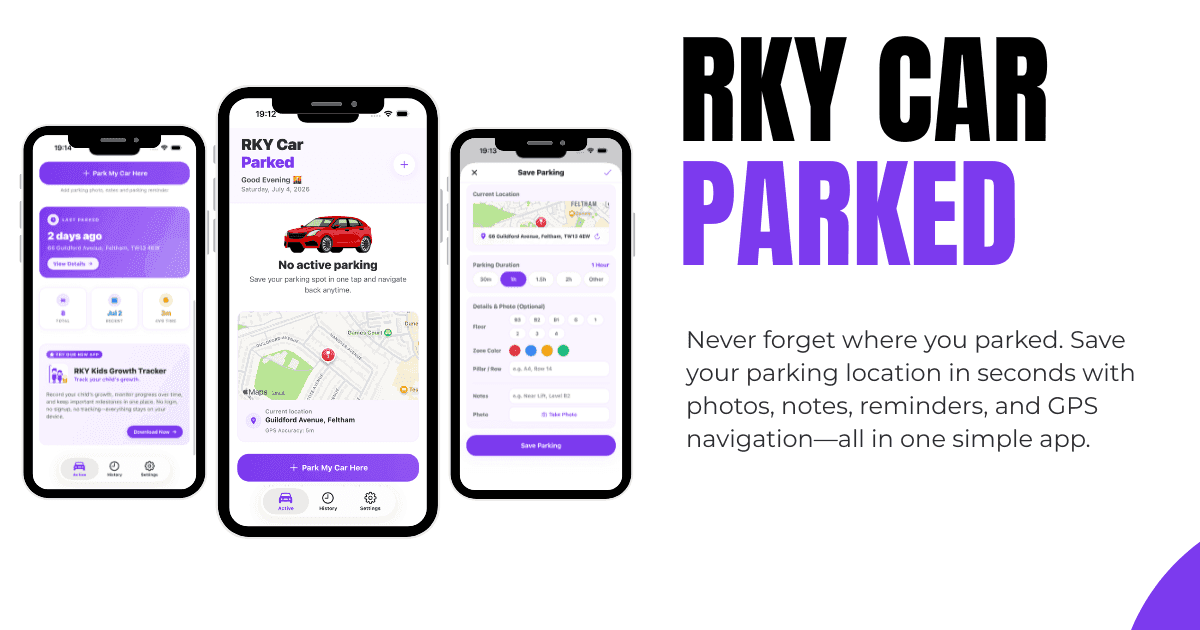
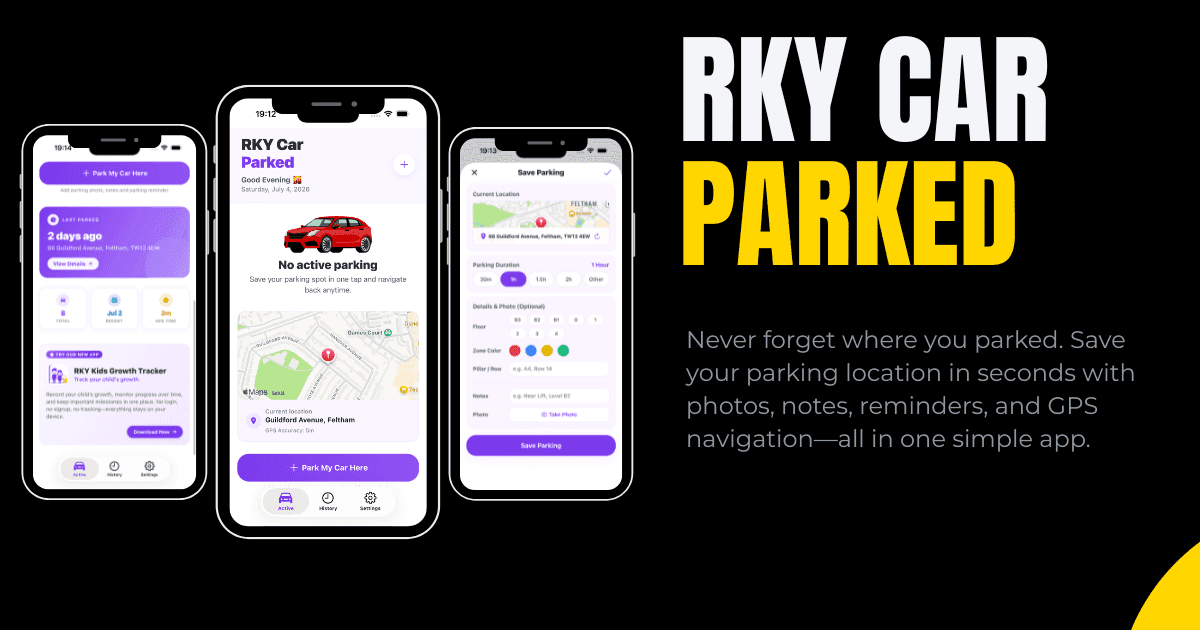
RKY Car Parked helps you remember exactly where you left your vehicle. Whether you’re parking in a busy city, a shopping centre, an airport, or an unfamiliar area, RKY Car Parked app makes it simple to save your parking location, track yo...
What's New
Version 1.7.0 • Released on July 16, 2026
• Cost Tracking — Add parking cost when saving a session; view totals in history and active screen • Export to Calendar — Save parking sessions directly to your device calendar as .ics events • Undo Deleted Sessions — Accidentally deleted a parking spot? Restore it instantly with the undo button • Near Car Reminders — Get a smart alert when you're back near your parked car (Premium) • Geofence Delay Control — Customize how long after parking the near-car reminder waits before alerting (Premium) • Monthly Subscription — Now available alongside lifetime purchase • Rewarded Ads — Watch a short video to unlock 15 minutes of Premium for free • Banner Ads — Subtle footer banner ads; upgrade to Premium to remove all ads • Share Parking Details — Quickly share your parked location, notes, and duration via text message • Settings Redesigned — Cleaner layout with dedicated Reminder and Preferences sections • Keep track of your parking expenses with our new cost • Bug Fixes & Performance — Improved stability and smoother animations
Screenshots


Frequently Asked Questions
Is RKY Car Parked free?
The app is free to download with core parking features. Premium features like unlimited history, advanced timers, and custom reminders are available via a subscription or one-time lifetime purchase.
How does the GPS parking locator work?
When you park, tap the park button and the app saves your current GPS coordinates. You can then use the map to get walking directions back to your car.
Can I take a photo of my parking spot?
Yes. The app lets you attach photos and notes (e.g., Level B2, space 45) to your parking session for easy reference.
How do the parking reminders work?
You can set countdown timers for your parking duration. The app sends local push notifications before your meter expires so you can move your car or extend your session.
Does the app work offline?
Yes. GPS parking, timers, reminders, and walking directions all work offline. The app uses your device's GPS and caches map data locally.
Is my parking data private?
Yes. All parking locations, photos, and history are stored locally on your device. No account registration is required, and no data is sent to developer servers.