

RKY Remember Where
Your ultimate physical storage tracker and personal memory assistant.


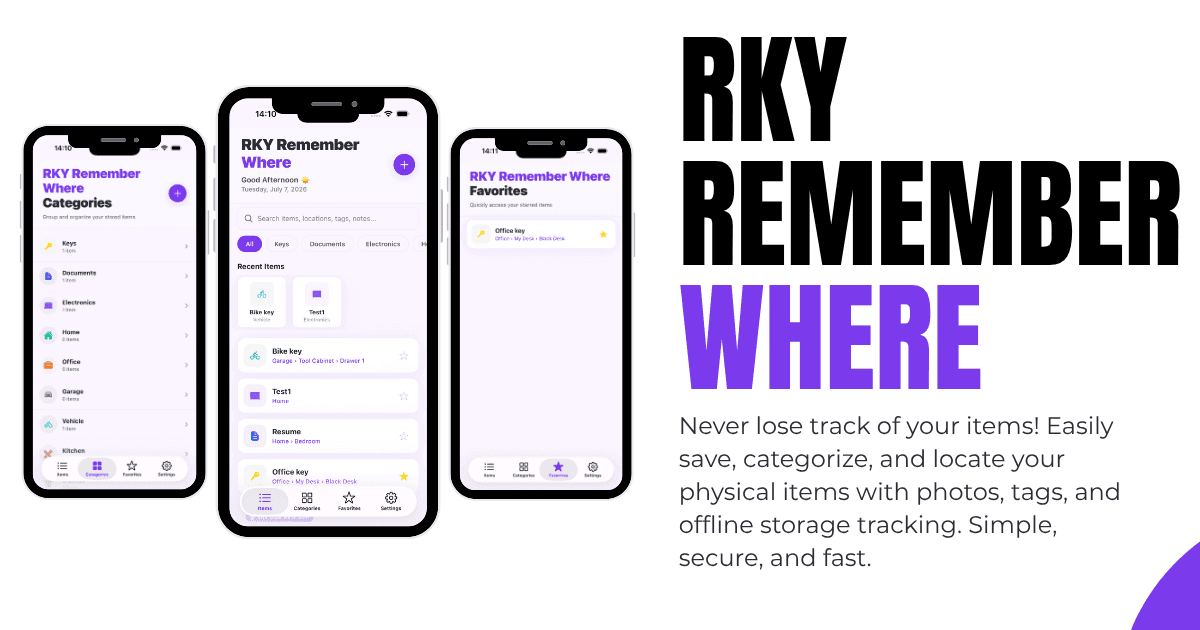
Tired of forgetting where you put your spare keys, passport, winter clothes, or electronics? Say goodbye to rummaging through drawers, boxes, and closets. RKY Remember Where is your ultimate physical storage tracker and personal memory ass...
Watch RKY Remember Where in Action
Discover tips, upcoming features, and privacy-first software spotlights.
Featured on our official Instagram channel. When the video mentions “link in bio”, direct download links and full privacy details are available right on this page.
Screenshots


Frequently Asked Questions
Is RKY Remember Where free?
The app is free to download with core tracking features. Premium features like unlimited items, advanced categories, and photo attachments are available via a subscription or one-time lifetime purchase.
How do I organize my items?
You can create hierarchical locations (e.g., Garage > Storage Shelf B > Blue Bin), assign categories (Keys, Documents, Electronics), and add custom tags for quick filtering.
Can I attach photos to items?
Yes. You can take a photo or choose from your gallery to visually identify your belongings. Photos are stored locally on your device.
Does the app support search?
Yes. You can search by item name, storage path, tags, categories, and notes in real time. Favorites and recents are also accessible from the home screen.
Is my data private?
Yes. All items, photos, and locations are stored locally on your device. No account registration is required, and no data is transmitted to developer servers.
Can I sync data across iOS devices?
Yes. If you enable iCloud Backup, your items and settings sync across your iOS devices. The developer has no access to your synced data.